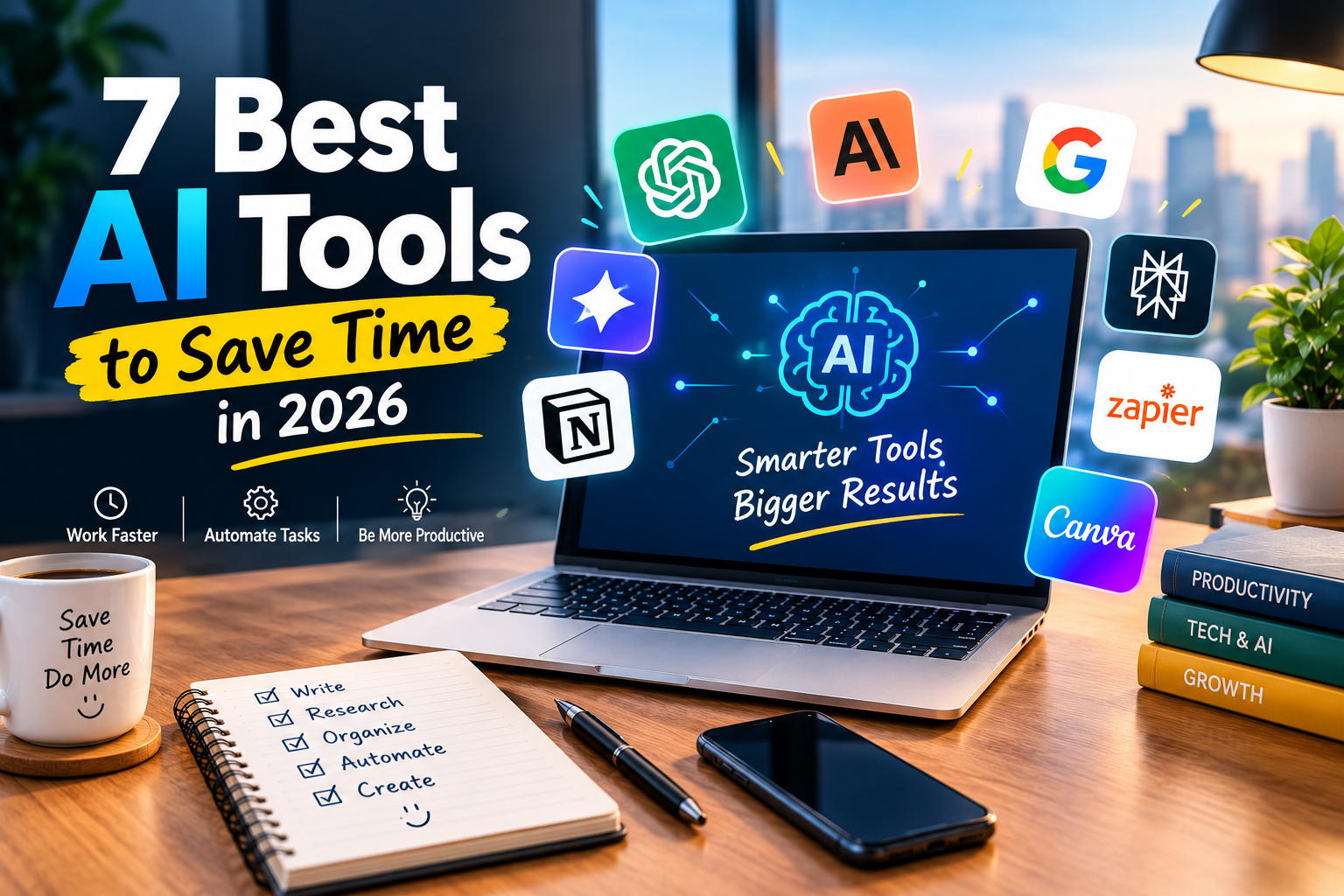
7 Best AI Tools can help you reclaim hours that normally disappear into repetitive work, endless research and everyday digital tasks. In 2026 AI has become more than a chatbot sitting on the side of your workflow. The right tools can help you write, research, organize, automate and create while you stay focused on work that actually needs your attention.
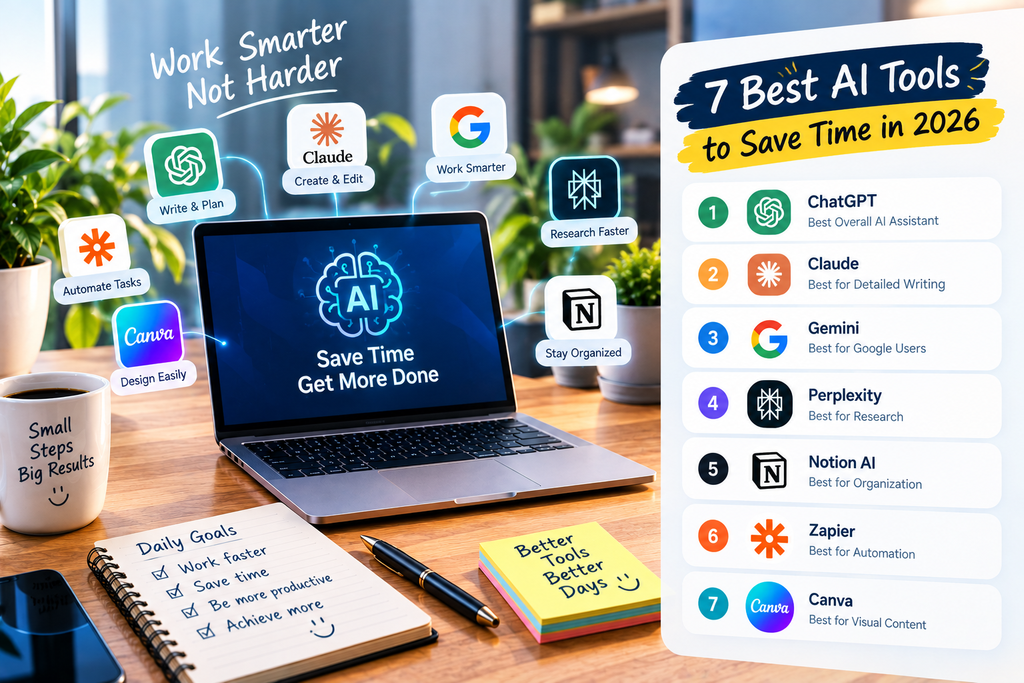
7 Best AI Tools for Saving Time in 2026
Time is one of the most valuable resources in business, work and everyday life. Spending hours on tasks that could be completed in minutes can hold you back even when you are working hard.
AI can change that by taking care of repetitive tasks and helping you move from an idea to a finished result faster. Here are seven tools that stand out for different productivity needs.
1. ChatGPT — Best All-Around AI Assistant
ChatGPT is one of the most versatile choices for people who want one AI assistant for multiple tasks. It can help with writing, brainstorming, research, planning, summarization, data analysis and problem-solving.
Instead of opening a different application every time you face a new task you can use one assistant across many parts of your workflow.
For example you can ask it to turn rough notes into an organized document then create an action plan from that document. You can also use it to explain complicated subjects or analyze information before making a decision.
Best for: Writing, research, planning, analysis and everyday productivity.
2. Claude — Best for Detailed Writing
Claude is particularly useful when your work involves long documents, detailed writing or large amounts of information.
It can help turn rough ideas into polished content, summarize lengthy material and organize complicated information into a clearer structure.
This makes it useful for writers, researchers and professionals who regularly work with reports, proposals and other document-heavy tasks.
Best for: Long-form writing, documents, research and analysis.
3. Google Gemini — Best for Google Users
Gemini is a strong option for people who already spend much of their day inside Google’s ecosystem.
It can assist with writing, brainstorming, summarization and information processing while fitting naturally into workflows built around Google’s productivity tools.
That can reduce the need to constantly move information between different applications.
Best for: Students, office workers, marketers and Google Workspace users.
4. Perplexity — Best for Research
Research can become one of the biggest time drains when you need to compare multiple websites and verify information.
Perplexity helps speed up this process by searching the web and presenting information in an answer-focused format with sources that you can review.
This is especially useful when you need to understand a new subject quickly. Instead of opening a long list of search results you can begin with a focused question then explore the sources behind the answer.
Best for: Research, fact-checking, learning and market research.
5. Notion AI — Best for Organization
Notion AI is designed for people who keep notes, projects, tasks and documents inside Notion.
AI can help summarize information, generate content, answer questions and support project workflows without forcing you to leave your workspace.
This becomes particularly valuable when you manage several projects at once. Instead of searching through pages manually you can use AI to find useful information and turn it into something actionable.
Best for: Project management, organization, notes and team workflows.
6. Zapier — Best for Automation
Some of the biggest time-wasting tasks are not difficult. They are simply repetitive.
Copying information from one application to another, sending routine notifications or creating the same type of task again and again can quietly consume hours every week.
Zapier can connect different applications and automate these processes. Once a workflow is properly configured a trigger can automatically start several actions without requiring you to perform every step manually.
Imagine receiving a new customer inquiry. An automated workflow could save the information, create a task and notify the right person without someone entering the same details multiple times.
Best for: Business automation, repetitive tasks and workflow management.
7. Canva — Best for Visual Content
Visual content is essential for blogs, social media, presentations and marketing. Creating every design manually can take far longer than expected.
Canva’s AI-powered features can help users generate ideas, create initial designs and speed up different parts of the creative process.
You do not need to be a professional designer to produce polished visual content. AI can handle some of the repetitive work while you focus on the message and final presentation.
Best for: Social media graphics, presentations, blog images and marketing content.
For the latest updates, helpful tips and useful insights, visit Trendora.Autos. Stay updated with fresh content and discover more valuable information.
How to Choose the Right Tool for Your Needs
The biggest mistake people make with AI is trying to use everything at once.
More tools do not automatically mean more productivity. In some cases having too many applications can make your workflow more complicated.
Instead start with the task that takes the most time.
If writing is slowing you down consider ChatGPT or Claude. If research consumes your day try Perplexity. If your information is difficult to organize Notion AI may be more useful.
For repetitive business processes Zapier can create a bigger impact than another writing assistant. If visual content takes too long Canva can help you produce designs faster.
The best tool is the one that solves a real problem in your workflow.
Build an AI Workflow Instead of Collecting Tools
AI becomes much more powerful when different tools have clear roles.
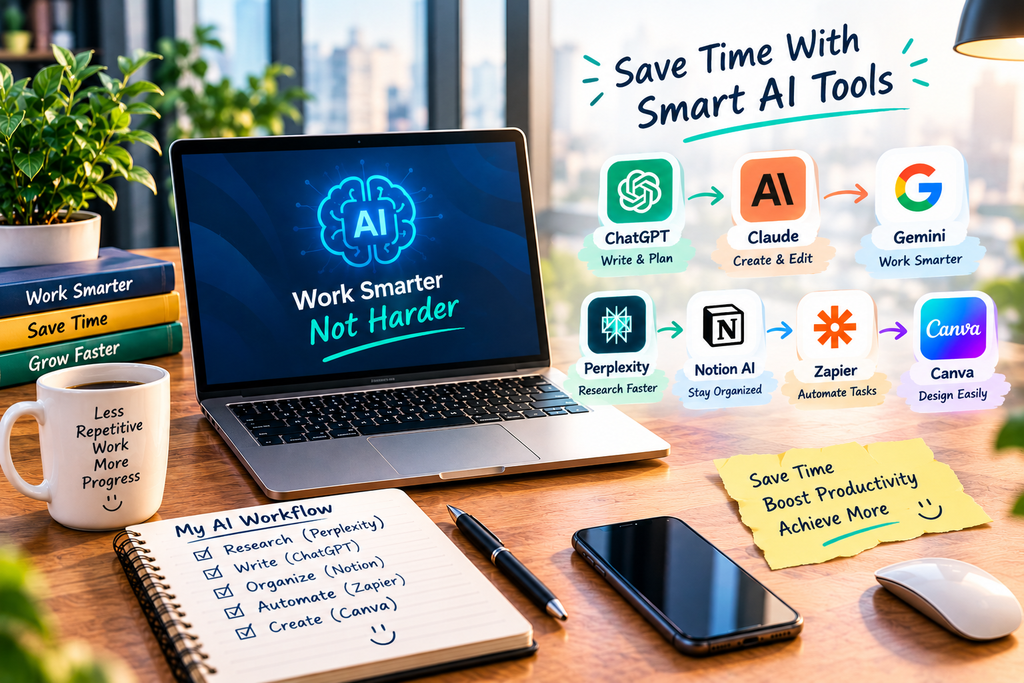
For example a blogger could use Perplexity to research a topic then use ChatGPT to organize ideas and create an initial draft. Notion could hold the content calendar while Zapier handles repetitive notifications.
A small business owner could use AI to prepare customer responses while automation handles routine data entry and task creation.
The point is not to replace every part of your work with AI. The point is to remove unnecessary steps so your time goes toward activities that require creativity, judgment and decision-making.
How to Get Better Results From AI
The quality of your instructions can have a major effect on the quality of the output.
Instead of asking AI to “write something about marketing” give it the audience, purpose, tone, format and specific outcome you want.
You should also review important AI-generated information before publishing or acting on it. AI can save significant time but human judgment remains essential for accuracy and quality.
Start small. Choose one repetitive task and improve that process first. Once it works consistently you can introduce AI into another part of your workflow.
Final Thoughts
AI productivity is not about working more. It is about spending less time on work that does not need your full attention.
The seven tools covered here each solve a different problem. Some are better for writing and research while others focus on organization, automation or design.
Choose the tool that matches your biggest time-consuming task. Learn to use it properly then build a workflow around it.
When AI handles repetitive work effectively you can spend more of your day on ideas, decisions, creativity and meaningful results.
Frequently Asked Questions
What is the best AI tool for saving time?
ChatGPT is a strong all-around choice because it can support writing, research, planning and many other everyday tasks.
Which AI tool is best for research?
Perplexity is a useful option for research because it searches the web and provides sources that can be reviewed.
Can AI tools really save time?
Yes. AI can reduce the time spent on repetitive writing, research, organization, automation and design when used correctly.
Should I use all seven tools?
No. Start with one tool that solves your biggest problem. Add more only when they provide a clear benefit.
Leave a Reply